
The Market Segments page allows you to:
- Select which segments to view: Use the toggle button to choose whether to display only the segments you’ve created or include those created by others in your organization. Helpful for users migrating from FarmFocus, who may have pre-created segments set up for them.

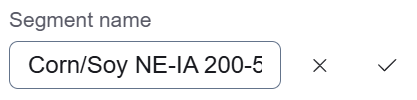
- Rename a Segment: Easily rename existing segments by clicking the segment row and then editing the name on the right side of the screen. Click the check icon to save the edited segment name.
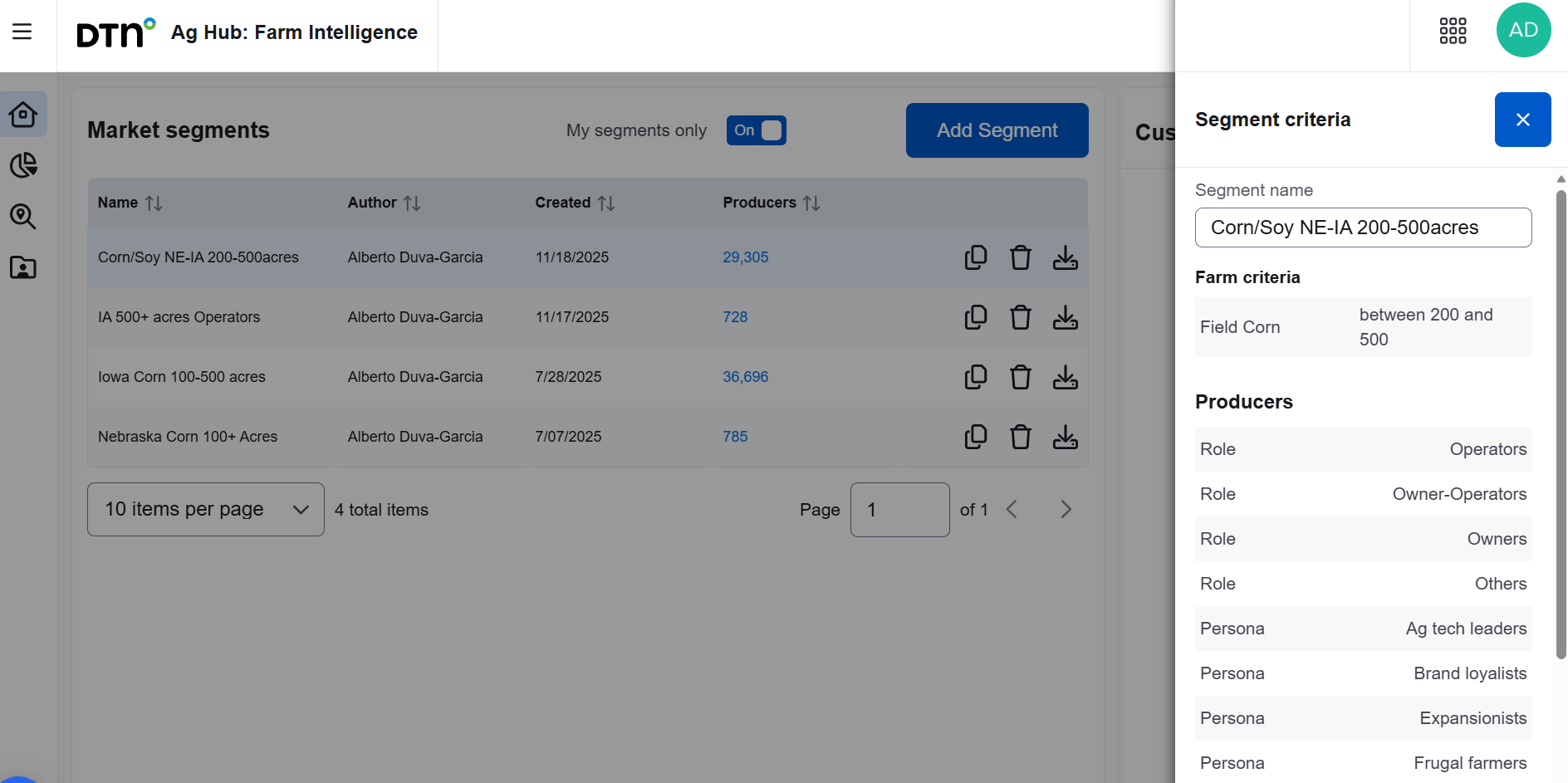
- View Segment Criteria: Click on a specific segment row to see the filtering criteria used to define it (e.g., locations, farm criteria).
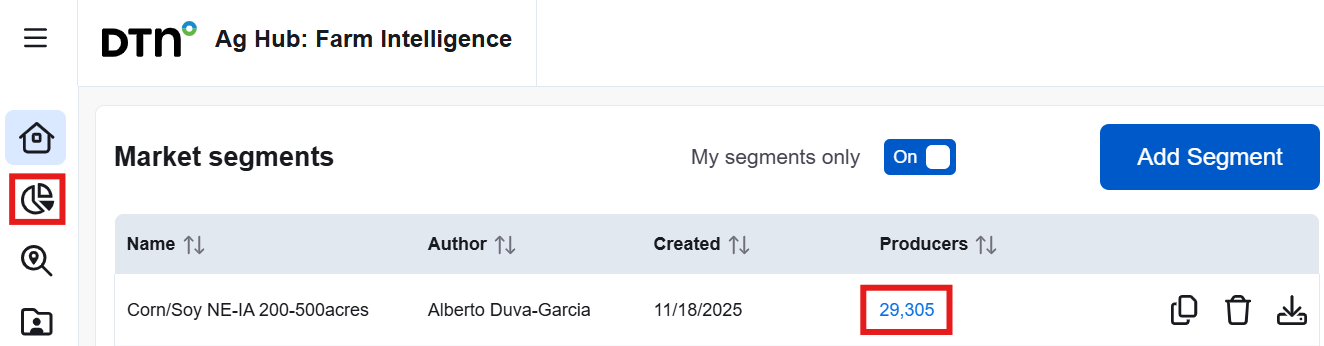
- View Producers: Once the segment has finished processing, you can either click the number of producers to view the data within your segment or click the pie chart icon. This will open the Market Segments page, where you can review the producers and apply additional filters to tailor the data to your needs. From this page, you can also use the drop-down list to switch between other segments.
- Copy & Edit a Segment: You can’t directly edit a segment, but you can duplicate them by clicking the “Copy and Edit” icon and then edit the criteria.
- Delete a Segment: click the trash can icon to delete the selected segment